-
Account
-
-
Track Order
Product Status:: New
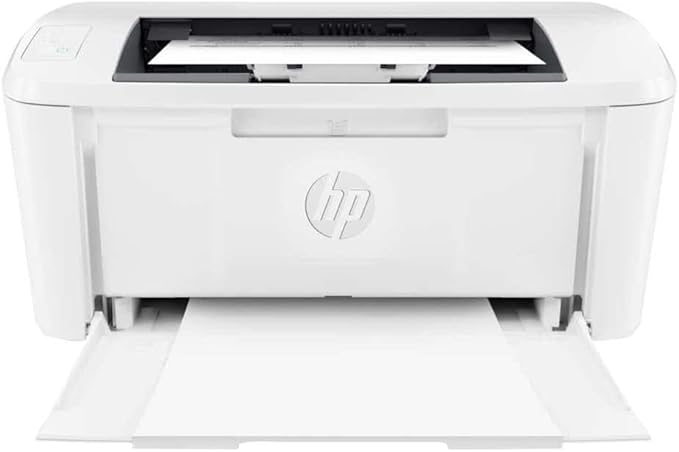
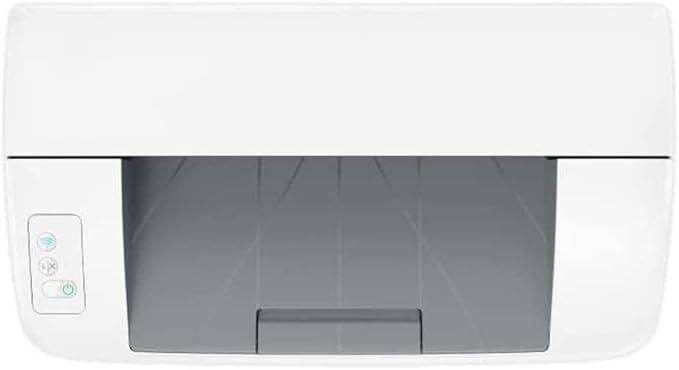
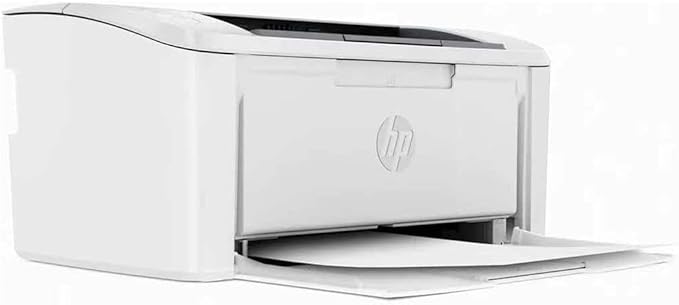
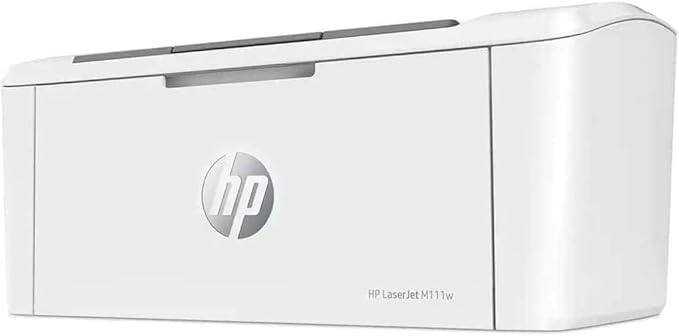
The HP LaserJet Pro M111w (product number 7MD68A) is a compact, monochrome laser printer designed for home offices or small businesses. It offers fast printing speeds, wireless connectivity, and reliable performance. Below are some key features and specifications:
Print Speed: Up to 21 pages per minute (ppm).
Print Resolution: 1200 x 1200 dpi for sharp, professional-quality text.
Compact Design: Small footprint, ideal for limited spaces.
Wireless Connectivity: Supports Wi-Fi Direct and mobile printing (HP Smart App).
Mobile Printing: Compatible with Apple AirPrint, HP Smart App, and Mopria-certified devices.
Paper Handling:
Input tray capacity: 150 sheets.
Output tray capacity: 100 sheets.
Duplex Printing: Manual (print on both sides of the paper by flipping it manually).
Toner Cartridge: Uses HP 110A (W1100A) toner cartridge, with an estimated yield of ~1,000 pages.
Energy Efficiency: ENERGY STAR certified for reduced power consumption.
Dimensions: 13.9 x 9.7 x 7.7 inches (35.3 x 24.6 x 19.5 cm).
Weight: 11.02 lbs (5 kg).
Operating Systems: Compatible with Windows, macOS, Linux, and mobile devices.
Memory: 128 MB.
Duty Cycle: Up to 8,000 pages per month.
Unboxing: Remove all packaging materials and tapes.
Install Toner: Insert the HP 110A toner cartridge into the printer.
Load Paper: Fill the input tray with plain A4 or letter-size paper.
Connect to Wi-Fi: Use the HP Smart App or the printer's control panel to connect to your wireless network.
Install Drivers: Download the latest drivers from the HP Support Website or use the included CD.
Printing: Send print jobs from your computer, smartphone, or tablet.
Printer Not Connecting to Wi-Fi: Ensure the printer is within range of your router and the correct network credentials are entered.
Poor Print Quality: Check the toner level and replace the cartridge if necessary. Clean the printer's interior to remove dust or debris.
Paper Jams: Open the rear access door and gently remove any stuck paper.
Affordable and cost-effective for small-scale printing.
Fast printing speeds for a compact printer.
Easy wireless setup and mobile printing.
No automatic duplex printing.
Limited paper capacity compared to larger models.
Toner replacement costs can add up over time.
Positive Seller Ratings
100%
Ship on Time
100%
Seller Reviews
0
Sold By
zahaalaliya

Positive Seller Ratings
100%
Ship on Time
100%
Seller Reviews
0
More Products From Them
©2024 ZahaMart | All Rights Reserved